
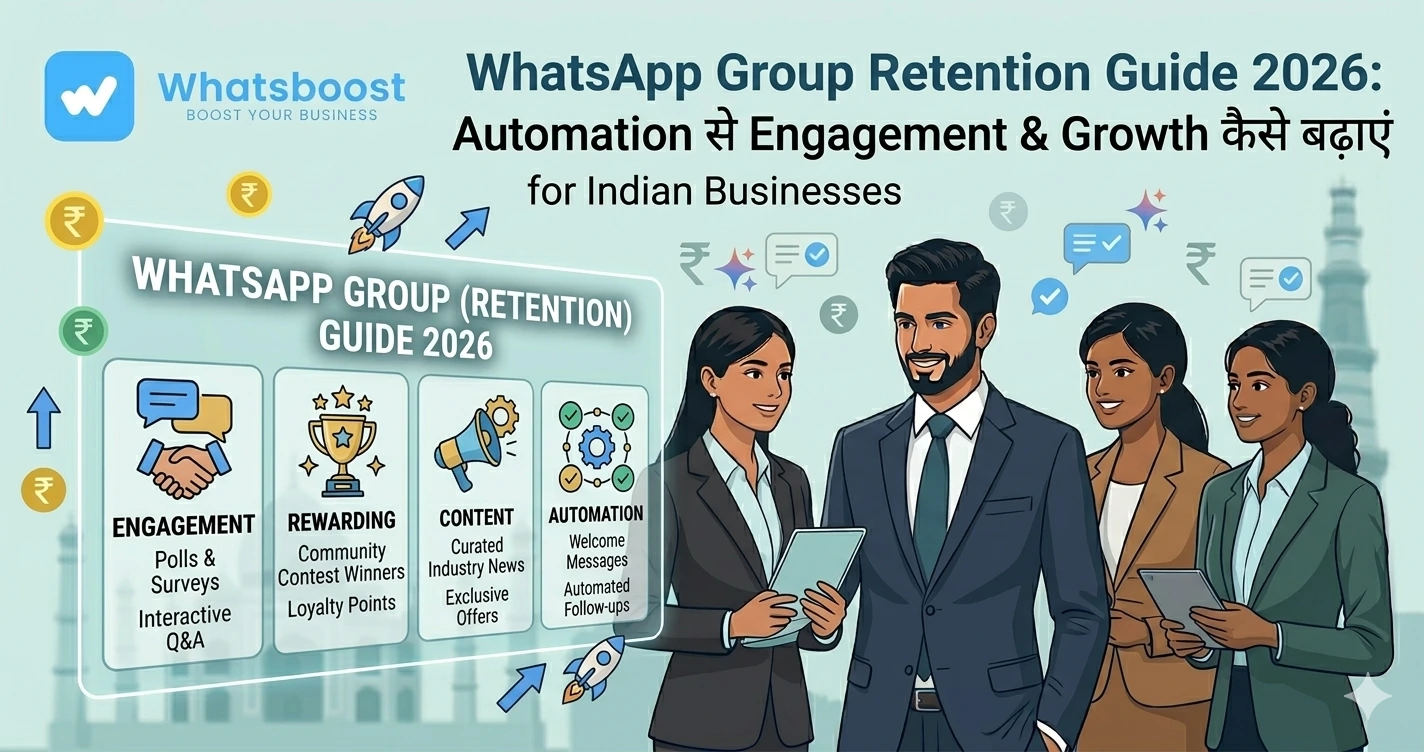
WhatsApp Group Creation Automation for Online Courses & Coaching
जानें कैसे online courses और coaching cohorts के लिए WhatsApp groups automatically create करें, onboarding automate करें और engagement बढ़ाएं।
Online course चलाना आसान है… लेकिन students manage करना मुश्किल क्यों है?
अगर आप:
- Course creator हैं
- Coach हैं
- Community builder हैं
तो आपने यह problem जरूर देखी होगी 👇
- हर batch के लिए नया WhatsApp group बनाना
- Students को manually add करना
- Welcome messages भेजना
- बार-बार same onboarding करना
👉 Reality:
Manual group management scale नहीं करता
Solution: WhatsApp Group Creation Automation
अब imagine करें 👇
👉 Student enroll करे
👉 Automatically group create हो जाए
👉 Student auto-add हो जाए
👉 Welcome message instantly जाए
👉 यही है:
👉 WhatsApp Group Automation System
WhatsApp Group Automation क्या है?
Simple भाषा में:
👉 Enrollment → Trigger
👉 System automatically:
✔ Group create करता है
✔ Participants add करता है
✔ Welcome messages भेजता है
✔ पूरे cohort को manage करता है
👉 बिना manual effort
👉 इससे पूरा system scalable बन जाता है
WhatsApp Groups learning के लिए इतने powerful क्यों हैं?
📲 High Engagement
Students WhatsApp daily use करते हैं
👉 इसलिए communication miss नहीं होता
🤝 Community Learning
- Peer discussion
- Doubt solving
- Accountability
👉 Learning outcome improve होता है
⚡ Instant Updates
- Class reminders
- Resource sharing
- Live session alerts
👉 सब instantly deliver होता है
Manual Group Creation के Problems
❌ Time-consuming
हर batch में same काम repeat
❌ Errors
- Wrong group
- Missed students
❌ No consistency
हर group का experience अलग
❌ Scaling impossible
👉 1–2 batches ठीक
👉 10+ batches → chaos
👉 यही bottleneck होता है growth में
Step-by-Step: WhatsApp Group Creation Automation कैसे करें
Step 1: Enrollment System connect करें
आप connect कर सकते हैं:
- LMS (Teachable, Systeme.io)
- Google Forms
- CRM
👉 जैसे ही student enroll करे → data capture हो
👉 Lead automation समझें:
https://whatsboost.in/blog/how-to-automate-whatsapp-replies-from-google-forms-a-guide-for-faster-lead-conversion
Step 2: Automation Tool setup करें
Use करें:
- WhatsBoost
- Zapier
- Pabbly
👉 यह tools bridge का काम करते हैं
Step 3: Group Creation Trigger सेट करें
Trigger example:
- New batch start
- Payment success
- Enrollment complete
👉 Trigger → group create
👉 Scheduling automation detail:
https://whatsboost.in/blog/step-by-step-guide-to-scheduling-automated-whatsapp-group-creation-events
Step 4: Auto Add Participants
System:
✔ सही group identify करता है
✔ Students auto-add करता है
👉 कोई manual effort नहीं
Step 5: Welcome & Onboarding Automation
Example:
“Welcome {{name}} to {{course}} batch 🎉
यहाँ rules और schedule देखें…”
👉 First impression automated + professional
Step 6: Engagement Automation
- Daily reminders
- Class alerts
- Assignments
- Motivational content
👉 पूरा journey automated
👉 Group messaging automation देखें:
https://whatsboost.in/blog/whatsapp-group-message-automation-for-online-courses-coaching-masterminds
Step 7: Course Completion Automation
- Completion message
- Feedback request
- Upsell next program
👉 Group close या alumni group shift
Real Workflow (Simple समझें)
| Action | System | Result |
| Student enroll करता है | LMS | Data capture |
| Trigger activate होता है | WhatsBoost | Group create |
| Student add होता है | Community join | |
| Automation चलता है | System | Engagement |
👉 पूरा process autopilot पर
Real Use Cases
🎓 Online Courses
हर batch के लिए auto group
🏋️ Fitness Coaching
30-day challenge groups
💼 Business Coaching
Accountability groups
🎯 Workshops & Bootcamps
Temporary groups (auto close)
👉 यह use cases large scale पर काम करते हैं
Advanced Strategy (Expert Level)
🧠 Cohort Segmentation
- Beginner
- Intermediate
- Advanced
👉 अलग-अलग groups
🔁 Drip Communication
- Day-wise content
- Weekly modules
📊 Engagement Tracking
- कौन active
- कौन inactive
🔗 CRM Integration
👉 Full student lifecycle track करें
👉 CRM integration detail:
https://whatsboost.in/blog/how-to-integrate-crm-with-whatsapp-for-automation-without-business-api
WhatsBoost क्यों best है इस use case के लिए?
🚀 Auto Group Creation
Trigger-based groups
👥 Smart Participant Management
Auto add/remove
🤖 Automation Workflows
Onboarding → engagement → completion
🔗 LMS + CRM Integration
End-to-end system
👉 यह बना देता है:
👉 Complete cohort management system
Common Mistakes (Avoid करें)
❌ Manual group creation
❌ No onboarding flow
❌ No engagement plan
❌ All students in one group
❌ No closure strategy
Pro Tips (Expert Strategy)
Small groups रखें
Better engagement
Clear rules दें
Spam control
Daily interaction रखें
Retention बढ़ता है
Automation + human mix करें
Best experience
Real Insight (Community Behavior)
Reddit users कहते हैं:
“Too many groups = confusion”
👉 मतलब:
👉 Structured + automated groups जरूरी हैं
Final Conclusion
Online courses में success सिर्फ content से नहीं आता
👉 Community से आता है
लेकिन:
❌ Manual system = chaos
अगर आप automation use करते हैं:
✔ Structured onboarding
✔ Better engagement
✔ Scalable cohorts
👉 तो आप बना सकते हैं:
👉 High-retention learning ecosystem 🚀
Want to automate WhatsApp for your business?
Set up campaigns, replies, and follow-ups in minutes.