
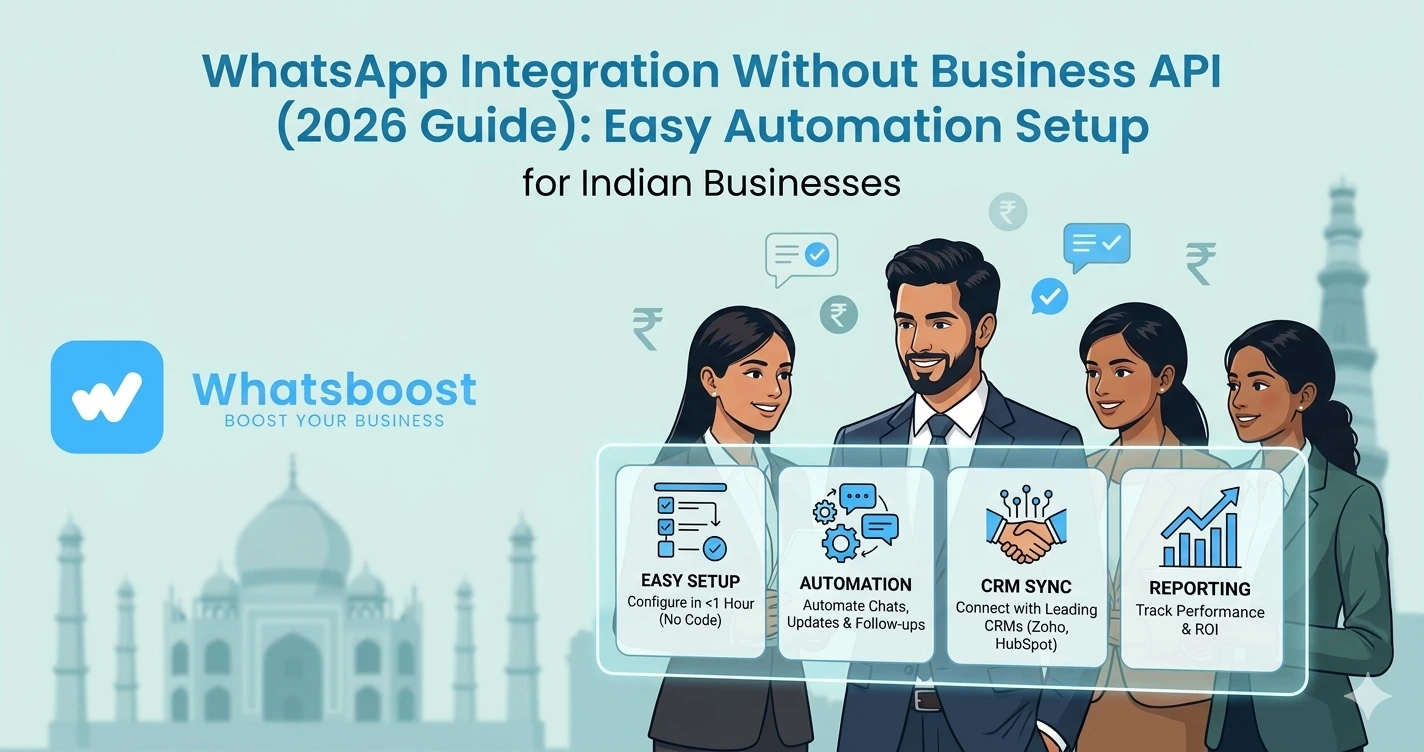
WhatsApp Integration Without Business API (2026 Guide) Easy Automation Setup
जानें कैसे WhatsApp को बिना Business API के integrate करें, automation setup करें और CRM, leads, messaging को simplify करें — आसान हिंदी guide।
WhatsApp integration करना चाहते हैं… लेकिन API बहुत complex लग रहा है?
अगर आपने WhatsApp Business API के बारे में सुना है, तो आपको ये problems जरूर पता होंगी 👇
- Setup में weeks लगते हैं
- Meta approval चाहिए
- Template approval required
- Developer support चाहिए
- Per-message cost
👉 इसलिए कई businesses stuck हो जाते हैं
👉 Reality:
API powerful है, लेकिन हर business के लिए practical नहीं है
Good News: WhatsApp बिना API के भी integrate हो सकता है
हाँ, आप बिना WhatsApp Business API के भी:
✔ Automation setup कर सकते हैं
✔ CRM connect कर सकते हैं
✔ Leads manage कर सकते हैं
✔ Messaging scale कर सकते हैं
👉 और वो भी बिना coding
👉 यही concept है:
👉 No-API WhatsApp Integration System
WhatsApp Business API क्या करता है (Simple समझें)
WhatsApp Business API एक enterprise-level system है जो:
- CRM integration
- Chatbots
- Bulk messaging
- Automation
allow करता है
लेकिन problem:
👉 यह beginners या SMEs के लिए complex है
No-API WhatsApp Integration क्या होता है?
Simple भाषा में:
👉 आप अपने existing WhatsApp number को directly automation tools से connect करते हैं
- QR code login
- Browser-based connection
- No developer needed
👉 Result:
✔ Instant setup
✔ No approval
✔ Full control
👉 यह approach 2026 में तेजी से popular हो रहा है
WhatsBoost कैसे बिना API integration आसान बनाता है
WhatsBoost एक No-API WhatsApp automation platform है
👉 यह आपको allow करता है:
- QR code से WhatsApp connect
- Automation workflows बनाना
- CRM sync करना
- Group messaging करना
👉 बिना API के
👉 बिना technical setup
👉 Automation overview समझें:
https://whatsboost.in/blog/how-to-automate-whatsapp-communities-in-2026-without-whatsapp-api
Step-by-Step: WhatsApp बिना API के कैसे integrate करें
Step 1: WhatsApp connect करें
- WhatsBoost dashboard open करें
- QR code scan करें
👉 आपका WhatsApp instantly connect हो जाएगा
Step 2: CRM या tools connect करें
आप connect कर सकते हैं:
- Google Sheets
- CRM software
- Forms
- वेबसाइट
👉 Example:
Google Form → WhatsApp message
👉 CRM integration detail:
https://whatsboost.in/blog/how-to-integrate-crm-with-whatsapp-for-automation-without-business-api
Step 3: Automation workflows बनाएं
आप set कर सकते हैं:
- Auto replies
- Follow-ups
- Lead capture
- Notifications
Step 4: Trigger define करें
Automation कब चले?
- New lead आए
- Form submit हो
- Message receive हो
Step 5: Testing & launch
- Test करें
- Live करें
👉 अब system automatically काम करेगा
WhatsApp बिना API के क्या-क्या automate कर सकते हैं?
🤖 Auto Replies
User message करे → instant reply
🔁 Follow-ups
- Day 1 → intro
- Day 2 → reminder
- Day 3 → offer
📊 Lead Tracking
- कौन interested
- कौन active
📢 Broadcast Messaging
- Offers
- Updates
- Campaigns
👥 Group Automation
- Community messaging
- Member onboarding
👉 यह feature API में limited होता है, लेकिन no-API tools में flexible होता है
👉 Group automation समझें:
https://whatsboost.in/blog/how-to-use-whatsapp-group-api-adding-features-to-build-niche-customer-communities-in-2026-whatsboost
No-API vs API Integration (Clear Comparison)
|
|---|
👉 Small & mid businesses के लिए No-API better fit है
Real Use Cases (Without API)
🛒 E-commerce
- Order updates
- COD confirmation
🏢 Agencies
- Lead follow-ups
- Client communication
🎓 Education
- Student onboarding
- Fee reminders
🏭 B2B Businesses
- Inquiry response
- Quotation sharing
👉 CRM + WhatsApp integration अब optional नहीं है — यह business growth के लिए जरूरी बन चुका है
Advanced Strategy (Expert Level)
🔁 Multi-step automation
- Lead → nurture → convert
🧠 Behavior-based messaging
- Active users → offer
- Silent users → reminder
📊 Analytics tracking
- कौन reply कर रहा है
- कौन convert हो रहा है
🔗 Multi-tool integration
- Shopify
- Razorpay
- Google Sheets
Common Mistakes (Avoid करें)
❌ Spam messaging
❌ No opt-in
❌ Random automation
❌ No follow-up system
❌ सिर्फ bulk messaging
Pro Tips (Expert Strategy)
Opt-in leads use करें
Cold messaging avoid करें
Personalization करें
Name + context use करें
Automation funnel बनाएं
Single message नहीं
धीरे scale करें
Warm-up जरूरी है
WhatsBoost क्यों best No-API solution है?
🚀 Instant Setup
QR scan → ready
🤖 Advanced Automation
Workflows + triggers
🔗 Easy Integrations
CRM + Sheets + Forms
👥 Group Support
Community automation
🔒 Safe Messaging
Spam control + smart delivery
👉 यह WhatsApp को बना देता है:
👉 Complete business automation system
Final Conclusion
WhatsApp integration जरूरी है
लेकिन:
👉 API हर business के लिए सही नहीं है
अगर आप:
❌ API complexity से stuck हैं
तो:
👉 No-API solution best है
और अगर आप:
✔ Fast setup
✔ Automation
✔ Low cost
✔ Flexibility
चाहते हैं
👉 तो WhatsBoost जैसा system perfect है
👉 क्योंकि future है:
👉 Simple + Scalable WhatsApp Automation 🚀
Want to automate WhatsApp for your business?
Set up campaigns, replies, and follow-ups in minutes.