
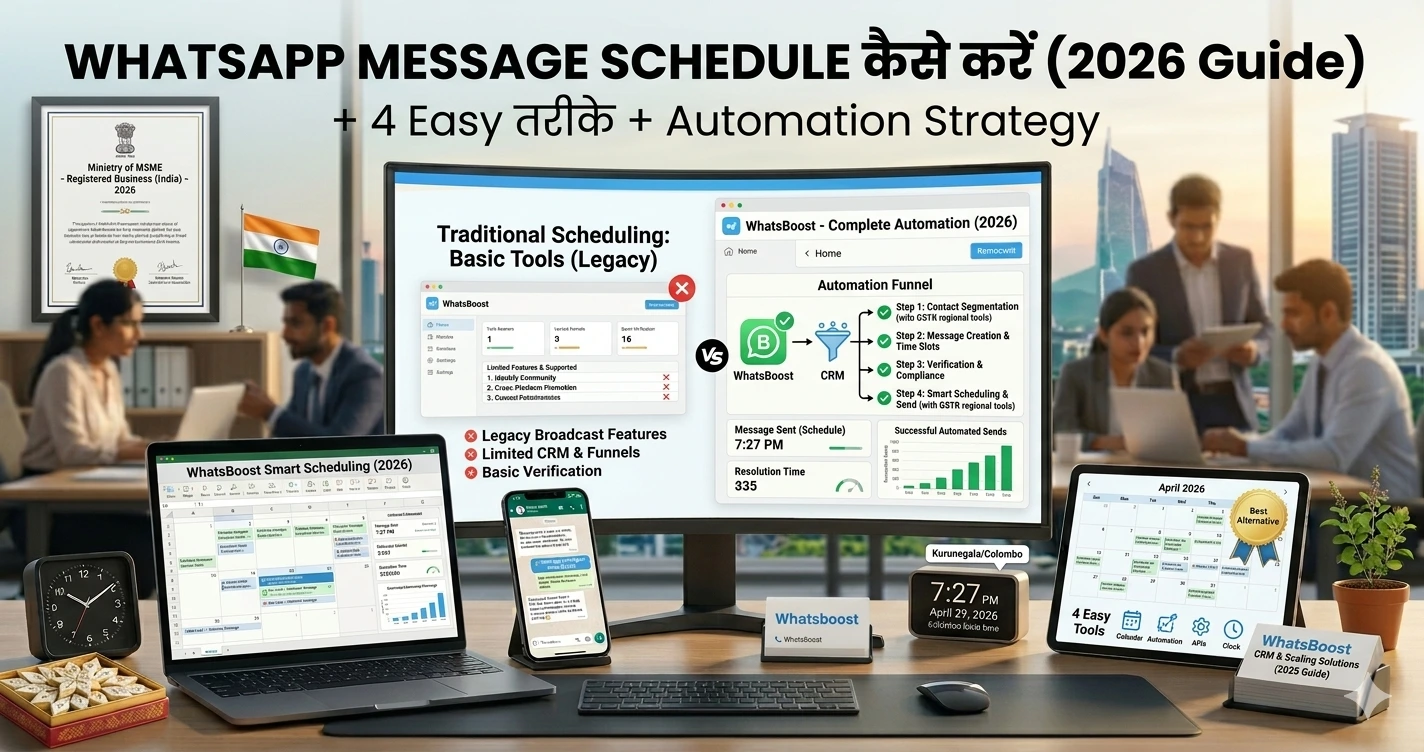
WhatsApp Message Schedule कैसे करें (2026 Guide): 4 Easy तरीके + Automation Strategy
जानिए WhatsApp messages को schedule करने के 4 आसान तरीके और कैसे automation, CRM और workflows के साथ इसे business growth tool बनाएं।
WhatsApp Message Schedule कैसे करें: 4 Easy तरीके (2026 Complete Guide)
“Message भेजना था… लेकिन भेजना भूल गए?” 😅
- Client follow-up miss
- Reminder नहीं गया
- Offer late भेजा
👉 Result?
❌ Lead ठंडा
❌ Deal miss
❌ Revenue loss
Problem simple है:
Manual messaging reliable नहीं है
Reality: Timing ही Conversion बनाता है
WhatsApp पर:
- सही message + गलत time = ignore
- सही message + सही time = reply + conversion
👉 इसलिए scheduling सिर्फ सुविधा नहीं —
यह growth strategy है
WhatsApp में Built-in Scheduling नहीं है
WhatsApp अभी भी:
❌ Native scheduling feature नहीं देता
❌ Reminder system नहीं है
❌ Automation limited है
👉 इसलिए businesses workaround use करते हैं
Solution: 4 Proven Ways to Schedule WhatsApp Messages
अब practical तरीके देखते हैं 👇
1. WhatsApp Business “Quick Replies + Manual Timing”
कैसे काम करता है
- Quick replies save करो
- सही time पर manually भेजो
Pros
✔ Easy
✔ No tools required
Cons
❌ Manual
❌ Miss होने का risk
👉 Beginners के लिए ठीक है
लेकिन scalable नहीं
2. Third-Party Apps (Scheduler Tools)
Examples
- SKEDit
- Wasavi
कैसे काम करता है
- Message लिखो
- Time set करो
- App auto send करेगा
Pros
✔ Easy scheduling
✔ Reminder system
Cons
❌ Phone active होना चाहिए
❌ Reliability issue
👉 Small use cases के लिए ठीक
3. WhatsApp Web + Automation Tools
यहाँ से real power शुरू होती है 👇
कैसे काम करता है
- WhatsApp Web connect
- Automation tool use
- Scheduled workflow create
👉 Learn automation basics:
https://whatsboost.in/blog/how-to-integrate-whatsapp-without-whatsapp-business-api-simplify-whatsapp-messaging
👉 Advanced workflows (n8n):
https://whatsboost.in/blog/n8n-whatsapp-integration-without-api-pros-cons-best-use-cases
Pros
✔ Flexible
✔ Custom workflows
Cons
❌ Setup required
❌ Maintenance needed
4. Full Automation System (Best for Business 🚀)
यह सबसे powerful तरीका है
👉 Manual scheduling नहीं —
👉 event-based automation
Example
- Lead form भरता है
→ 5 min बाद message
→ 1 day बाद reminder
→ 3 day बाद follow-up
👉 सब automatic
👉 Learn lead automation:
https://whatsboost.in/blog/how-to-automate-whatsapp-replies-from-google-forms-a-guide-for-faster-lead-conversion
👉 High-conversion funnel:
https://whatsboost.in/blog/from-inquiry-to-invoice-whatsboost-flows-that-convert-70-more-tradeindia-leads
Comparison Table
| Method | Automation Level | Best For |
| Manual | Low | Beginners |
| Third-party apps | Medium | Personal use |
| Web automation | High | Small teams |
| Full system | Very high | Businesses |
Use Cases: Scheduling कहाँ सबसे useful है
📈 Lead Follow-ups
👉 Lead आया → auto message
📅 Appointment Reminders
👉 No-show reduce
🛍️ Offers & Campaigns
👉 सही time पर promotion
👥 Group Engagement
👉 Scheduled content
👉 Group automation guide:
https://whatsboost.in/blog/how-to-use-whatsapp-group-api-adding-features-to-build-niche-customer-communities-in-2026-whatsboost
👉 Event-based group scheduling:
https://whatsboost.in/blog/step-by-step-guide-to-scheduling-automated-whatsapp-group-creation-events
CRM Integration: Scheduling को Track कैसे करें
Scheduling useful तभी है जब आप track करें
👉 CRM integration सीखें:
https://whatsboost.in/blog/how-to-integrate-crm-with-whatsapp-for-automation-without-business-api
👉 Deal tracking tools:
https://whatsboost.in/blog/best-platforms-to-track-conversations-and-deal-progress-2026-guide-for-sales-teams
Advanced Strategies (Pro Level 🔥)
1. Lead Scoring + Scheduling
👉 High intent leads को जल्दी message
2. AI-Based Timing
👉 Smart timing decisions
3. Broadcast + Scheduling
👉 Campaign automation
Common Mistakes
❌ Wrong timing
→ Message ignore
❌ Over messaging
→ Block risk
❌ No personalization
→ Low engagement
❌ Manual dependency
→ Missed opportunities
❌ No tracking
→ No optimization
Pro Tips (High Impact 🚀)
- ✔ Peak hours test करें
- ✔ Personalized messages भेजें
- ✔ Follow-up sequences बनाएं
- ✔ Automation use करें
- ✔ Data analyze करें
💡 Golden Rule:
Right message + right time = conversion
Final Conclusion
WhatsApp scheduling:
👉 सुविधा नहीं — strategy है
अगर आप सही तरीके use करते हैं:
✔ Missed leads खत्म
✔ Consistent follow-ups
✔ Higher conversions
👉 और अगर automation add करते हैं:
तो आपका system auto-sales machine बन सकता है
Want to automate WhatsApp for your business?
Set up campaigns, replies, and follow-ups in minutes.