
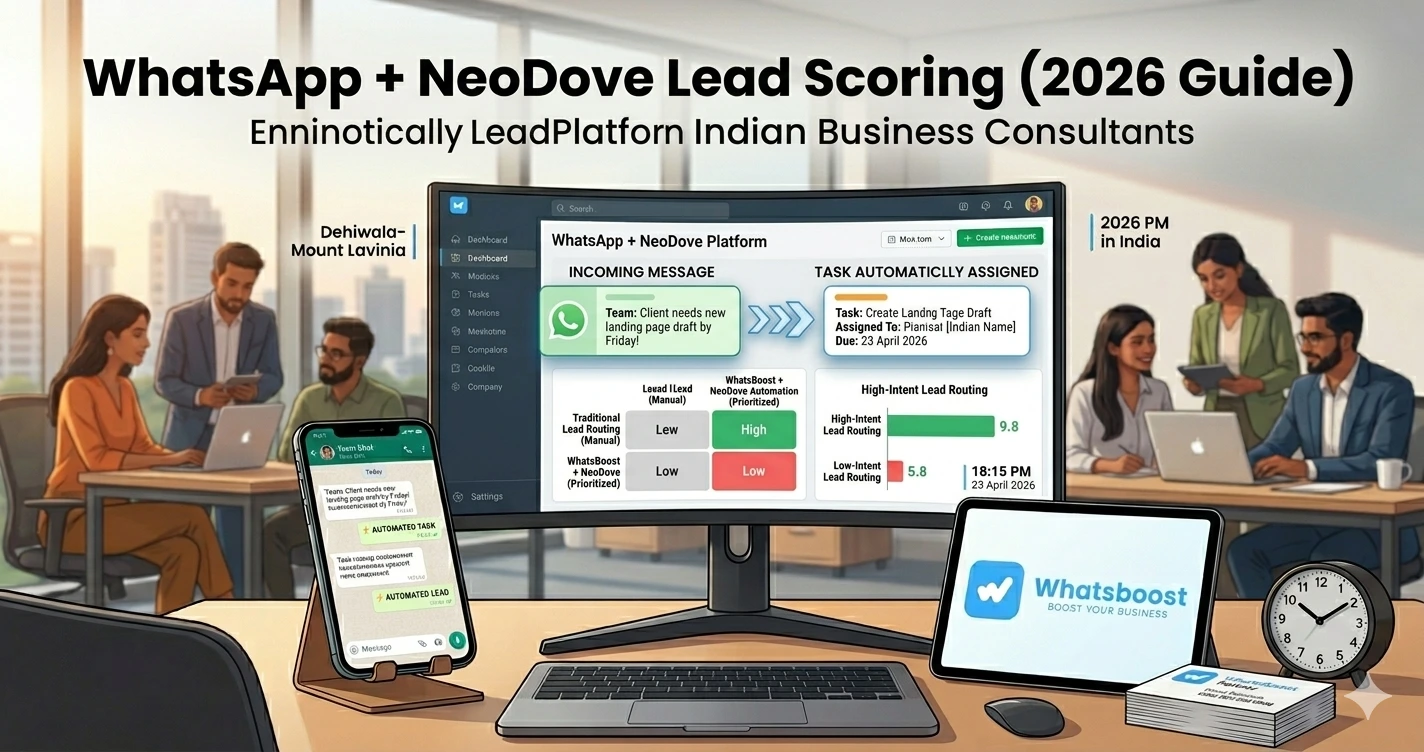
WhatsApp + Neodove Lead Scoring Guide 2026: Automatically Prioritize High-Intent Leads
Learn how to use WhatsApp with Neodove to automatically score leads, prioritize high-intent prospects, and improve conversions with smart automation workflows.
You’re Generating Leads… But Still Losing Sales
Most businesses today don’t have a lead problem
👉 They have a lead prioritization problem
You might be getting:
- Leads from ads
- Website enquiries
- IndiaMART / TradeIndia queries
- WhatsApp messages
But still 👇
❌ Sales team is overwhelmed
❌ Hot leads are missed
❌ Cold leads get equal attention
❌ Follow-ups are inconsistent
The Real Problem: All Leads Are Treated the Same
Let’s be honest 👇
Your team probably:
- Replies to whoever messages first
- Follows up randomly
- Doesn’t know who is serious
👉 Result:
❌ High-intent leads go cold
❌ Low-intent leads waste time
❌ Conversion rate drops
👉 If you're still handling leads manually, you need to understand how WhatsApp automation without Business API works— because automation is the foundation of smart lead handling.
Solution: WhatsApp + Neodove Lead Scoring System
Now imagine this 👇
👉 A lead messages you
👉 System automatically:
- Analyzes behavior
- Assigns a score
- Prioritizes the lead
- Notifies your sales team
👉 That’s exactly what a lead scoring system does
What is Lead Scoring?
Simple definition 👇
👉 Every lead gets a score based on intent
Example:
| Behavior | Score |
|---|---|
| Clicks link | +10 |
| Replies quickly | +20 |
| Asks pricing | +40 |
| Ignores messages | -10 |
👉 Higher score = higher intent
👉 Higher intent = higher priority
Why WhatsApp is Perfect for Lead Scoring
📲 Real-Time Interaction
Instant responses = better signals
💬 Rich Conversations
You understand intent faster
⚡ Faster Decisions
Leads don’t wait
📊 Data-Rich Behavior
Every message is a signal
👉 To understand how businesses track conversations effectively, explore platforms to track conversations and deal progress
What is Neodove?
Neodove is a sales CRM designed for calling and lead management teams
When combined with WhatsApp:
👉 It becomes a powerful lead scoring + prioritization engine
How WhatsApp + Neodove Work Together
High-Level Flow
- Lead enters system
- WhatsApp interaction begins
- Behavior tracked
- Score assigned
- Lead prioritized
- Sales team notified
👉 This creates a smart sales pipeline
Step-by-Step: Build a Lead Scoring System
Step 1: Capture Leads Automatically
Sources:
- WhatsApp messages
- Forms
- CRM
- Marketplaces
👉 You can automate lead capture using Google Forms to WhatsApp workflows so no lead is missed.
Step 2: Sync Leads with Neodove
Once captured:
👉 Send data to Neodove CRM
- Name
- Number
- Source
- Query
👉 This ensures all leads are centralized
Step 3: Track WhatsApp Interactions
System monitors:
- Replies
- Clicks
- Time taken to respond
- Questions asked
👉 This is where intent is identified
Step 4: Define Lead Scoring Rules
Example:
- Asked for price → +40
- Viewed brochure → +20
- No reply → -10
👉 These rules are customizable
Step 5: Assign Scores Automatically
System calculates score in real-time
👉 No manual effort
Step 6: Prioritize Leads
Based on score:
- Hot leads → Immediate action
- Warm leads → Follow-up
- Cold leads → Nurture
👉 This is where most businesses fail
Step 7: Notify Sales Team Instantly
For high-intent leads:
👉 Alert sales team
👉 Example:
“🔥 Hot Lead: Rahul – Asked for pricing”
👉 For structured follow-up flows, see how WhatsBoost converts enquiries into sales workflows
Step 8: Automate Follow-Ups
For warm/cold leads:
- Reminder messages
- Offers
- Content
👉 Keeps pipeline active
Step 9: Track Conversions
Measure:
- Lead → Customer
- Response time
- Conversion rate
👉 Optimize continuously
Real Workflow (Simple Table)
| Step | Action | Result |
| Lead arrives | Captured | Stored |
| WhatsApp chat | Behavior tracked | Data collected |
| Score assigned | System calculates | Priority set |
| Sales notified | Action taken | Conversion |
Best Use Cases
🏢 B2B Sales Teams
Complex decision-making
🛒 E-commerce
High volume leads
🏭 IndiaMART / TradeIndia Sellers
High competition
👉 See how sellers turn TradeIndia leads into a sales machine using automation.
🎓 Service Businesses
Consultations, bookings
Advanced Strategies (Expert Level)
🔁 Behavioral Automation
- Repeat visits → high score
- No response → downgrade
🧠 AI-Based Scoring
AI predicts intent
👉 You can enhance this using Gemini AI WhatsApp integration
📊 Predictive Analytics
Identify likely buyers
🔗 CRM + WhatsApp Sync
Full lifecycle tracking
👉 Learn more about CRM + WhatsApp automation integration
Common Mistakes to Avoid
❌ Treating all leads equally
❌ No scoring system
❌ No follow-ups
❌ Delayed response
❌ No tracking
👉 These mistakes reduce conversions drastically
Pro Tips (From Real Sales Teams)
Focus on Speed
Fast response = higher conversion
Use Clear Scoring Rules
Avoid confusion
Automate Follow-Ups
Consistency wins
Review Scores Regularly
Improve accuracy
Why WhatsBoost + Neodove is Powerful
🚀 Lead Capture Automation
No missed leads
🤖 Smart Workflows
Automated scoring
👥 Sales Team Alignment
Clear priorities
📊 Analytics & Tracking
Better decisions
👉 Together, they create a high-performance sales system
Real Insight
Most teams say:
👉 “We didn’t need more leads… we needed better prioritization”
👉 Once scoring is implemented:
✔ Conversion rate increases
✔ Sales team efficiency improves
✔ Revenue grows
Scaling Strategy
Start with Basic Scoring
Simple rules
Add Behavioral Signals
More accuracy
Integrate AI
Advanced optimization
👉 Scaling requires system, not effort
Final Conclusion
Leads are everywhere
But without prioritization:
❌ Time is wasted
❌ Opportunities are lost
With WhatsApp + Neodove:
✔ High-intent leads are identified
✔ Sales teams focus on the right prospects
✔ Conversions increase
👉 The future of sales is:
👉 Smart Scoring + Automation = Higher Revenue 🚀
Want to automate WhatsApp for your business?
Set up campaigns, replies, and follow-ups in minutes.