
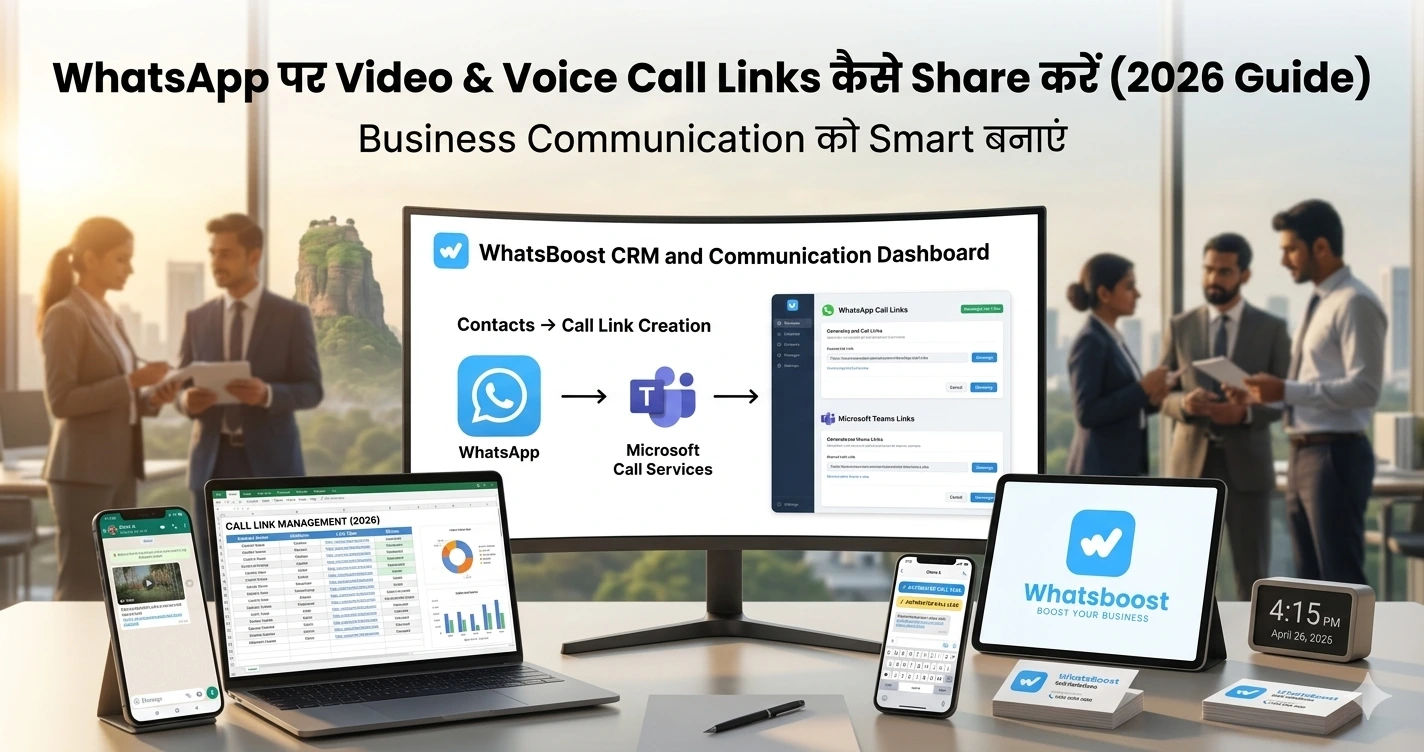
WhatsApp पर Video & Voice Call Links कैसे Share करें (2026 Guide): Business Communication को Smart बनाएं
जानिए WhatsApp पर video और voice call links कैसे बनाएं और share करें। आसान steps, use cases और automation strategies के साथ complete Hindi guide।
WhatsApp पर Video & Voice Call Links कैसे Share करें (2026 Complete Guide)
“Call पर आ जाओ” — लेकिन कोई आता ही नहीं 😅
आपने कितनी बार यह message भेजा है?
👉 “Call पर आ जाओ”
👉 “Zoom link भेज रहा हूँ”
👉 “Time बताओ कब free हो”
और फिर…
❌ कोई late join करता है
❌ कोई miss कर देता है
❌ कोई reply ही नहीं करता
Problem क्या है?
Friction ज्यादा है।
Reality: Communication Fast होना चाहिए
आज के users चाहते हैं:
- Instant joining
- No back-and-forth
- Simple experience
यहीं पर आता है WhatsApp Call Link feature
👉 एक link भेजो
👉 Click करो
👉 Call join
बस।
WhatsApp Call Links क्या हैं?
WhatsApp ने एक feature introduce किया है जहाँ आप:
✔ Voice call link बना सकते हैं
✔ Video call link बना सकते हैं
✔ किसी को भी join करने दे सकते हैं
👉 बिल्कुल Google Meet या Zoom की तरह
👉 User सिर्फ link पर tap करके call join कर सकता है
Traditional Calling क्यों Inefficient है
पहले क्या होता था?
- Call करो → busy
- फिर call करो → no answer
- फिर message करो → delay
👉 पूरा process slow
👉 खासकर business में:
- Leads miss होते हैं
- Meetings delay होती हैं
- Conversion गिरता है
Solution: Call Links = Instant Communication System
अब flow देखो:
👉 Link भेजो
👉 User जब free हो → join कर ले
👉 कोई coordination की जरूरत नहीं
👉 Calls flexible हो जाती हैं
Step-by-Step: WhatsApp Call Link कैसे बनाएं
Method 1: Direct Chat से
- WhatsApp open करें
- Chat open करें
- Attachment (📎) icon tap करें
- “Call Link” select करें
- Voice या Video choose करें
- Send करें
👉 Done — link share हो गया
Method 2: Calls Tab से
- WhatsApp → Calls tab
- “Create Call Link” tap करें
- Call type select करें
- Link copy या share करें
👉 Simple process — कोई technical knowledge नहीं चाहिए
Use Cases: Business में यह Feature Game-Changer क्यों है
🧑💼 1. Sales Calls
- Lead interested है
- तुरंत link भेजो
- Call join → conversion
👉 इससे delay खत्म
📞 2. Customer Support
- Issue आया
- Chat से solve नहीं हो रहा
- Call link भेजो
👉 Instant resolution
🎓 3. Coaching / Consultation
- Webinar
- 1:1 session
- Demo calls
👉 Structured communication
👥 4. Team Collaboration
- Internal meetings
- Quick sync calls
- Remote teams
👉 कोई Zoom dependency नहीं
Lead Conversion में इसका Impact
अगर आप WhatsApp को sales tool बना रहे हैं:
👉 Call links conversion बढ़ाते हैं
Example:
- Lead form भरता है
- Auto reply जाता है
- Call link attach होता है
👉 Lead directly connect हो जाता है
👉 Learn how to automate this:
https://whatsboost.in/blog/how-to-automate-whatsapp-replies-from-google-forms-a-guide-for-faster-lead-conversion
Advanced Strategy: Call Links + Automation
अब real power यहाँ है 👇
✔ Workflow Example
- Lead capture
- Auto message
- Call link भेजा
- Follow-up automation
👉 पूरा system automatic
👉 समझें automation कैसे काम करता है:
https://whatsboost.in/blog/how-to-integrate-whatsapp-without-whatsapp-business-api-simplify-whatsapp-messaging
CRM Integration: Calls को Track कैसे करें
अगर आप serious business कर रहे हैं:
👉 Calls track करना जरूरी है
👉 CRM integration के साथ:
- कौन call join किया
- कौन drop हुआ
- कौन convert हुआ
👉 Learn CRM setup:
https://whatsboost.in/blog/how-to-integrate-crm-with-whatsapp-for-automation-without-business-api
👉 Sales tracking tools:
https://whatsboost.in/blog/best-platforms-to-track-conversations-and-deal-progress-2026-guide-for-sales-teams
Advanced Use Cases (Pro Level 🚀)
1. Lead Scoring + Call Priority
हर lead को call मत करो
👉 High intent leads को priority दो:
https://whatsboost.in/blog/using-whatsapp-neodove-to-score-and-prioritize-high-intent-leads-automatically
2. Full Sales Machine
👉 Lead → Call → Follow-up → Close
👉 Example system:
https://whatsboost.in/blog/how-to-turn-tradeindia-leads-into-a-sales-machine-using-whatsapp-automation-with-whatsboost
3. AI + Call Automation
👉 Smart replies + call triggers
👉 Next-level integration:
https://whatsboost.in/blog/how-to-integrate-gemini-with-whatsapp-without-whatsapp-business-api-2026-guide
WhatsApp Groups + Call Links Combo
अगर आप communities build कर रहे हैं:
👉 Call links + groups = powerful system
Use cases:
- Live sessions
- Group discussions
- Cohort onboarding
👉 Group automation guide:
https://whatsboost.in/blog/how-to-use-whatsapp-group-api-adding-features-to-build-niche-customer-communities-in-2026-whatsboost
👉 Automated group creation:
https://whatsboost.in/blog/how-to-automate-whatsapp-group-creation-for-online-courses-and-coaching-cohorts
👉 Scheduled sessions:
https://whatsboost.in/blog/step-by-step-guide-to-scheduling-automated-whatsapp-group-creation-events
👉 Engagement scaling:
https://whatsboost.in/blog/whatsapp-group-retention-the-ultimate-guide-to-scaling-engagement-do-automation
Common Mistakes
❌ 1. Random link share करना
→ No context = low join rate
❌ 2. Follow-up नहीं करना
→ Leads drop
❌ 3. Overuse करना
→ हर चीज़ call नहीं होती
❌ 4. No scheduling
→ लोग miss करते हैं
❌ 5. Tracking नहीं करना
→ No data = no growth
Pro Tips (High Impact 🔥)
- ✔ Call link के साथ context दें
- ✔ Time mention करें
- ✔ Reminder भेजें
- ✔ CRM track करें
- ✔ High intent leads को prioritize करें
💡 Golden Rule:
Call मत बेचो — solution बेचो
Final Conclusion
WhatsApp Call Links सिर्फ एक feature नहीं है —
यह communication revolution है।
👉 Faster calls
👉 Better engagement
👉 Higher conversions
अगर सही तरीके से use करें:
👉 Chat → Call → Conversion
👉 यह पूरा funnel बन जाता है
Want to automate WhatsApp for your business?
Set up campaigns, replies, and follow-ups in minutes.