
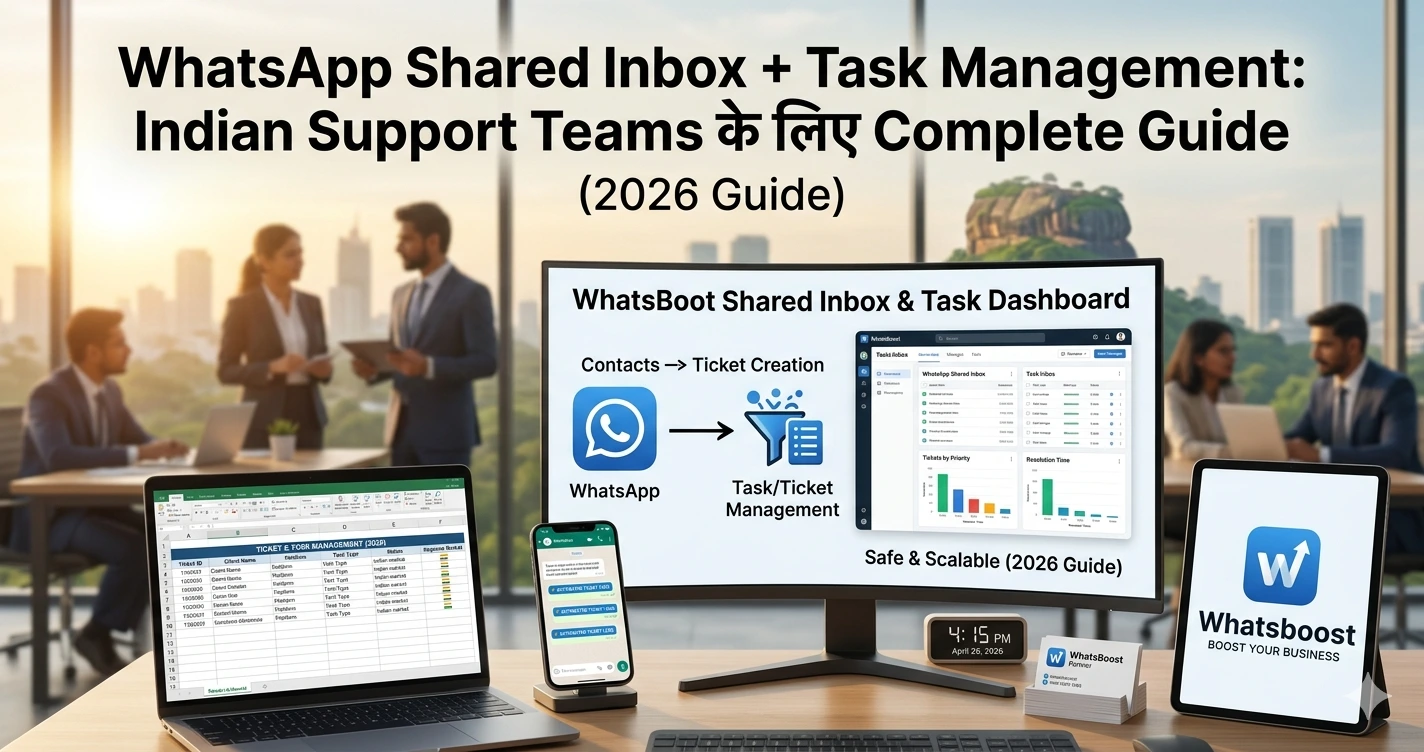
WhatsApp Shared Inbox + Task Management Indian Support Teams के लिए Complete Guide (2026)
जानिए WhatsApp shared inbox और task management system कैसे Indian support teams की productivity, response time और customer satisfaction को improve करता है।
WhatsApp Shared Inbox + Task Management: Indian Support Teams के लिए Game-Changer System (2026 Guide)
“Customer message आया… लेकिन reply किसने करना था?” 😓
Support team में रोज़ क्या होता है:
👉 Multiple agents
👉 Same WhatsApp number
👉 Messages लगातार आ रहे
और फिर…
❌ Duplicate replies
❌ Missed messages
❌ Late responses
❌ Angry customers
👉 Result?
Customer loss + team chaos
Reality: WhatsApp अब सिर्फ chat tool नहीं है
2026 में WhatsApp बन चुका है:
- Customer support channel
- Sales inbox
- CRM touchpoint
👉 लेकिन problem तब होती है जब system नहीं होता
Problem: Traditional WhatsApp Support क्यों fail करता है
❌ Single Phone Problem
👉 1 number = 1 device
❌ No Ownership
👉 कौन reply करेगा? unclear
❌ No Tracking
👉 कौन सा issue pending है? पता नहीं
❌ No Follow-up
👉 Customer message → भूल गए
👉 Result:
Support system नहीं — chaos system
Solution: WhatsApp Shared Inbox + Task Management
अब समझते हैं solution 👇
👉 Shared Inbox क्या है?
✔ एक WhatsApp number
✔ Multiple agents access
✔ Central dashboard
👉 Task Management क्या है?
✔ हर chat = task
✔ Assignable
✔ Trackable
✔ Measurable
👉 Combined system =
Organized support machine
कैसे काम करता है यह System
Step 1: Shared Inbox Setup
- Multiple agents login करते हैं
- Same inbox access
Step 2: Chat Assignment
- Chat assign होता है specific agent को
Step 3: Task Creation
- हर query → task बनता है
Step 4: Status Tracking
- Open
- In-progress
- Resolved
Step 5: Follow-up Automation
- Reminder
- Escalation
- Reassignment
👉 यही system support को professional बनाता है
Key Features जो होना जरूरी है
1. Multi-Agent Access
👉 एक number, multiple users
2. Chat Assignment System
👉 Clear ownership
3. Internal Notes
👉 Team collaboration
4. Task Tracking
👉 कोई query miss नहीं
5. Automation
👉 Follow-ups auto
👉 Learn automation basics:
https://whatsboost.in/blog/how-to-integrate-whatsapp-without-whatsapp-business-api-simplify-whatsapp-messaging
👉 Advanced workflows:
https://whatsboost.in/blog/n8n-whatsapp-integration-without-api-pros-cons-best-use-cases
6. CRM Integration
👉 Customer history visible
👉 CRM guide:
https://whatsboost.in/blog/how-to-integrate-crm-with-whatsapp-for-automation-without-business-api
👉 Tracking tools:
https://whatsboost.in/blog/best-platforms-to-track-conversations-and-deal-progress-2026-guide-for-sales-teams
Real Use Cases (Indian Businesses में)
🛍️ E-commerce Support
- Order queries
- Delivery issues
- Returns
👉 Faster resolution
🏢 Service Businesses
- Appointment handling
- Customer queries
- Follow-ups
🎓 Coaching Institutes
- Student doubts
- Batch updates
- Fee reminders
👉 Group + support combo:
https://whatsboost.in/blog/how-to-use-whatsapp-group-api-adding-features-to-build-niche-customer-communities-in-2026-whatsboost
📞 Lead Handling
👉 Lead → support → conversion
👉 Funnel example:
https://whatsboost.in/blog/from-inquiry-to-invoice-whatsboost-flows-that-convert-70-more-tradeindia-leads
Advanced Strategy: Support + Sales Integration
Smart businesses support को cost नहीं — revenue channel मानते हैं
कैसे?
Customer पूछता है:
👉 “Price क्या है?”
System:
✔ Agent reply
✔ CRM update
✔ Follow-up automation
✔ Upsell
👉 Lead scoring:
https://whatsboost.in/blog/using-whatsapp-neodove-to-score-and-prioritize-high-intent-leads-automatically
👉 AI automation:
https://whatsboost.in/blog/how-to-integrate-gemini-with-whatsapp-without-whatsapp-business-api-2026-guide
Broadcast + Support Integration
👉 Campaign भेजो
👉 Replies shared inbox में आते हैं
👉 Smart broadcast system:
https://whatsboost.in/blog/whatsapp-broadcast-list-2026-unlimited-broadcast-for-free-using-meta-coexistence
Common Mistakes
❌ Shared inbox use नहीं करना
→ Chaos
❌ Assignment system नहीं
→ Duplicate replies
❌ Automation ignore करना
→ Delay
❌ CRM integrate नहीं करना
→ No visibility
❌ टीम training नहीं
→ Inefficiency
Pro Tips (High Impact 🔥)
- ✔ हर chat assign करो
- ✔ SLA define करो (response time)
- ✔ templates use करो
- ✔ automation add करो
- ✔ performance track करो
💡 Golden Rule:
हर message = task
Performance Metrics (Track करना जरूरी है)
| Metric | क्यों important |
| Response time | Customer satisfaction |
| Resolution time | Efficiency |
| Pending tasks | Workload |
| Conversion rate | Revenue impact |
Future of WhatsApp Support (2026+)
👉 AI + automation
- Smart replies
- Auto assignment
- Intent detection
👉 Businesses जो early adopt करते हैं:
✔ Faster growth
✔ Better retention
Final Conclusion
WhatsApp Shared Inbox + Task Management:
👉 Optional नहीं है
👉 Essential है
अगर आप implement करते हैं:
✔ Zero missed messages
✔ Faster replies
✔ Organized team
✔ Higher customer satisfaction
👉 अगर ignore करते हैं:
❌ Chaos
❌ Lost customers
❌ Team burnout
👉 Final takeaway:
WhatsApp को chat tool नहीं — support system बनाओ
Want to automate WhatsApp for your business?
Set up campaigns, replies, and follow-ups in minutes.