
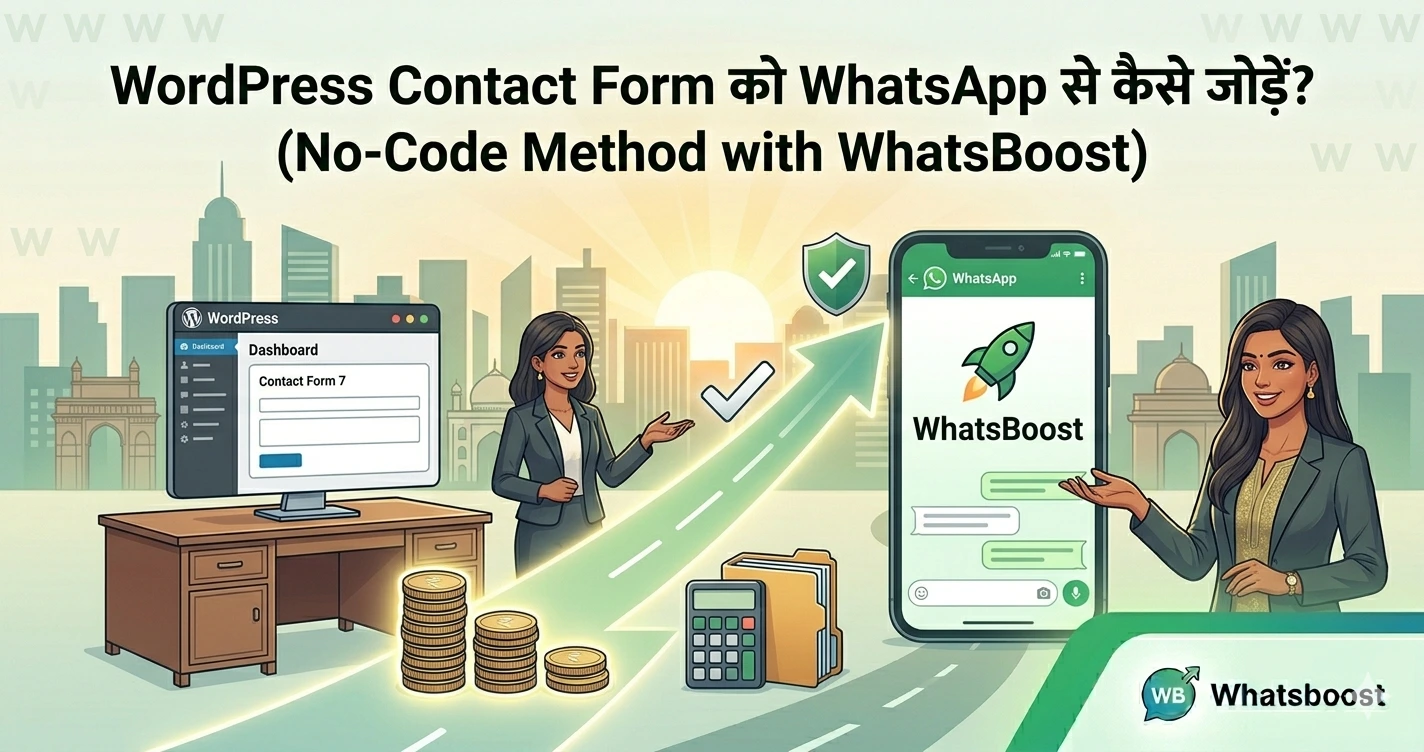
WordPress Contact Form को WhatsApp से कैसे जोड़ें? (No-Code Method with WhatsBoost)
जानिए कैसे आप WordPress contact form को WhatsApp से connect कर सकते हैं बिना coding के। Step-by-step guide + automation strategies से leads instantly convert करें।
अगर आपकी website पर लोग contact form भरते हैं, लेकिन आप उन्हें तुरंत reply नहीं कर पाते…
👉 तो आप leads lose कर रहे हैं।
आज के time में customer instant response चाहता है। Email follow-up में delay होने से conversion कम हो जाता है।
👉 Solution?
WordPress contact form को सीधे WhatsApp से connect करना
इससे:
- Form submit होते ही WhatsApp पर message आएगा
- Lead तुरंत engage होगा
- Conversion chances बढ़ेंगे
👉 WhatsApp marketing का पूरा system समझने के लिए यह guide पढ़ें:
https://whatsboost.in/blog/whatsapp-marketing-guide-setup-automation-strategy-for-2026
WhatsApp Integration क्यों जरूरी है?
जब कोई user form fill करता है, वह high intent stage पर होता है।
अगर उसी समय आप reply कर देते हैं:
- Trust बढ़ता है
- Deal जल्दी close होती है
- Competition से आगे निकलते हैं
👉 WhatsApp India में सबसे ज्यादा use होने वाला messaging platform है और instant communication conversion बढ़ाता है ()
👉 यही reason है कि businesses WhatsApp CRM को email से better मानते हैं:
https://whatsboost.in/blog/why-whatsapp-crm-is-better-than-email-for-indian-customer-engagement
WordPress Contact Form को WhatsApp से जोड़ने के लिए क्या चाहिए?
आपको इन चीजों की जरूरत होगी:
- WordPress website
- Contact form plugin (Contact Form 7 / WPForms / Gravity Forms)
- WhatsApp automation tool (जैसे WhatsBoost)
- Google Sheets (optional, data sync के लिए)
- Automation tool (Zapier / Make)
👉 Popular plugins automatically form data को WhatsApp पर भेज सकते हैं जिससे manual checking की जरूरत नहीं रहती ()
Step-by-Step: WordPress Form को WhatsApp से Connect कैसे करें
Step 1: Contact Form Setup करें
- Contact Form 7 या WPForms install करें
- Required fields add करें:
- Name
- Phone
- Message
👉 Tip: Simple form रखें ताकि ज्यादा लोग fill करें
Step 2: WhatsApp Automation Tool Connect करें
अब WhatsBoost जैसे tool का use करें:
- WhatsApp number connect करें
- API setup करें
- Message templates बनाएं
👉 API mistakes avoid करने के लिए पढ़ें:
https://whatsboost.in/blog/common-whatsapp-api-mistakes-indian-businesses-make-and-how-to-avoid-them-in-2026
Step 3: Form Data को WhatsApp से Link करें
अब automation setup करें:
- Form → Google Sheets → WhatsApp
या - Direct form → WhatsApp integration
👉 Automation tools form data को instantly WhatsApp message में convert कर देते हैं ()
Step 4: Custom Message Template बनाएं
Example:
"Hi {{name}}, thanks for contacting us! हमारी team आपसे जल्दी connect करेगी।"
👉 Personalization से engagement बढ़ता है
Step 5: Test करें (Important)
- Form fill करके test करें
- Check करें:
- Message सही जा रहा है?
- सही data दिख रहा है?
WordPress + WhatsApp Integration के Best Use Cases
1. Lead Generation Automation
Form fill → WhatsApp message → Instant follow-up
👉 Strategy सीखें:
https://whatsboost.in/blog/whatsapp-lead-generation-made-easy-proven-strategies-to-maximize-your-roi
2. Appointment Booking
Service businesses के लिए perfect:
- User form fill करता है
- WhatsApp पर booking confirm हो जाती है
👉 Full funnel guide:
https://whatsboost.in/blog/step-by-step-building-a-whatsapp-appointment-booking-funnel-for-service-businesses-in-india
3. Customer Support
- Queries instantly handle करें
- Multi-agent support possible
👉 Setup guide:
https://whatsboost.in/blog/how-to-use-whatsapp-business-with-multiple-users-for-customer-support-teams
4. Sales Funnel Automation
- Leads capture
- Qualification
- Follow-up
👉 Chatbot system समझें:
https://whatsboost.in/blog/the-ultimate-whatsapp-chatbot-guide-build-automate-grow-in-2026
WordPress Form को WhatsApp से जोड़ने के Benefits
- ⚡ Instant response (no delay)
- 📈 Higher conversion rate
- 💬 Personal communication
- 🤖 Automation = less manual work
👉 WhatsApp chat widgets और plugins visitors को directly WhatsApp पर connect करने में मदद करते हैं ()
Common Mistakes (Avoid करें)
❌ Form data delay से भेजना
❌ Generic message templates use करना
❌ Follow-up automation ना करना
👉 इन mistakes को detail में समझें:
https://whatsboost.in/blog/common-whatsapp-api-mistakes-indian-businesses-make-and-how-to-avoid-them-in-2026
WhatsBoost कैसे मदद करता है?
WhatsBoost आपको देता है:
- No-code WhatsApp integration
- Instant lead routing
- Smart automation
- Campaign management
👉 Features देखें:
https://whatsboost.in/features
👉 Pricing देखें:
https://whatsboost.in/pricing
👉 Free demo book करें:
https://cal.com/whatsboost/whatsboostdemo
👉 Contact करें:
https://whatsboost.in/contact
Final Thoughts (निष्कर्ष)
अगर आप अभी भी email-based follow-up कर रहे हैं…
👉 तो आप leads miss कर रहे हैं।
WordPress + WhatsApp integration आपको देता है:
- Instant engagement
- Faster response
- Better conversion
👉 आज ही setup करें और अपने leads को customers में convert करें 🚀
Want to automate WhatsApp for your business?
Set up campaigns, replies, and follow-ups in minutes.