
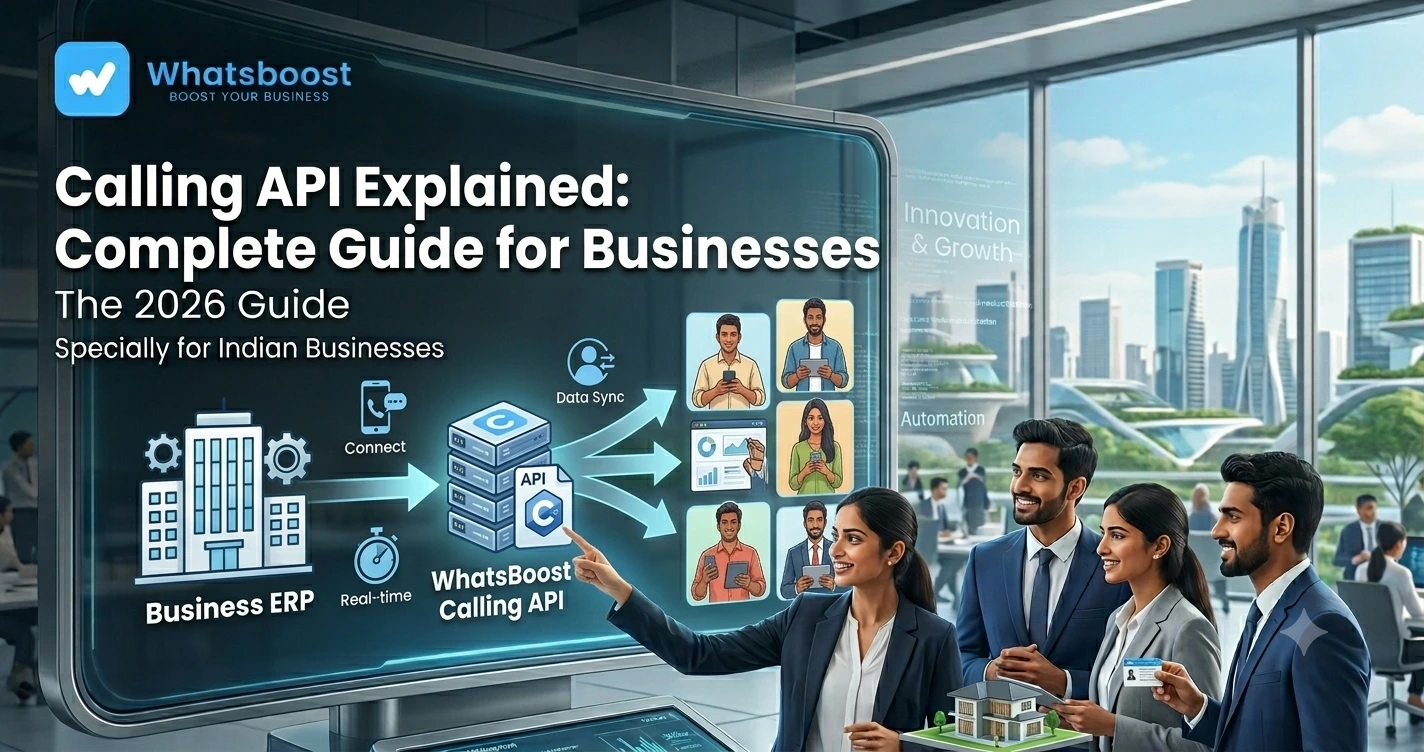
Calling API Explained: Complete Guide for Businesses (2026)
Learn what a Calling API is, how it works, and how businesses use Calling APIs with WhatsApp, CRM systems, AI agents, and automation workflows to improve sales, support, customer engagement, and operational efficiency.
Calling API Explained: Complete Guide for Businesses
Most businesses have invested heavily in digital communication.
They use:
- CRM systems
- Marketing automation
- Customer support software
Yet one channel continues to outperform many others when urgency matters:
Voice Calls.
When a prospect is interested, a call often converts faster than a message.
When a customer needs support, a call can resolve issues quicker than email.
When a payment is overdue, a call usually gets attention immediately.
The challenge?
Managing calls manually doesn't scale.
The result:
❌ Missed opportunities
❌ Delayed responses
❌ Unanswered enquiries
❌ Inefficient sales processes
❌ Overloaded teams
This is where Calling APIs are changing business communication.
👉 Calling APIs allow businesses to automate, track, route, and manage calls using software, AI, CRM systems, and workflow automation.
What Is a Calling API?
A Calling API allows software applications to initiate, receive, manage, and automate voice calls.
Think of it as a bridge between your business systems and a calling network.
Instead of making calls manually, software can trigger calls automatically.
For example:
New Lead Generated
↓
Calling API Triggered
↓
Customer Receives Call
↓
Call Outcome Recorded
↓
CRM Updated
↓
Follow-Up Scheduled
Everything happens automatically.
Why Businesses Are Adopting Calling APIs
Businesses today operate at scale.
A sales team may receive:
- Hundreds of leads daily
- Dozens of appointment requests
- Customer support enquiries
- Follow-up requirements
- Payment collection reminders
Handling all of these manually becomes difficult.
Calling APIs help automate communication while maintaining a personal experience.
Many businesses are already extending their communication stack with solutions such as Combining WhatsApp Call API, CRM, and Automation for Faster Lead Conversion.
How Does a Calling API Work?
The process is surprisingly simple.
Step 1: Trigger Event
A business event occurs.
Examples:
- New lead generated
- Appointment booked
- Customer support request submitted
- Payment overdue
Step 2: API Initiates Call
The Calling API automatically places a call.
Step 3: Conversation Happens
The customer interacts with:
- Sales representative
- Support team
- AI voice agent
- Automated workflow
Step 4: Data Captured
Call outcomes are recorded automatically.
Step 5: CRM Updated
Customer records are updated.
Step 6: Follow-Up Triggered
Additional workflows begin automatically.
Common Business Use Cases for Calling APIs
Calling APIs are used across multiple departments.
Sales
- Lead qualification
- Callback requests
- Appointment scheduling
- Deal follow-ups
Customer Support
- Issue resolution
- Escalations
- Service updates
Operations
- Internal notifications
- Staff coordination
- Task confirmations
Finance
- Payment reminders
- Invoice follow-ups
Events
- Registration confirmation
- Attendance verification
Organizations often combine calling workflows with AI Calling Automation for Event Registration and Attendance Confirmation to improve engagement and attendance rates.
Calling API vs Traditional Calling
| Traditional Calling | Calling API |
| Manual dialing | Automated calling |
| Limited scalability | High-volume communication |
| Manual tracking | Automated reporting |
| Human-dependent | Workflow-driven |
| Slower response times | Instant engagement |
| Disconnected systems | CRM integration |
The difference becomes significant as businesses grow.
AI Calling + Calling APIs
One of the biggest developments in recent years is AI-powered calling.
Instead of connecting customers to a human immediately, AI can handle the first interaction.
AI voice agents can:
✔ Ask questions
✔ Qualify leads
✔ Schedule appointments
✔ Confirm attendance
✔ Collect information
✔ Route conversations
Businesses exploring voice automation often start with strategies outlined in Top AI Calling Use Cases for Real Estate Businesses.
Calling APIs and CRM Integration
The real value of Calling APIs comes when they connect with CRM systems.
Without CRM integration:
- Customer data becomes fragmented
- Teams lose visibility
- Reporting becomes difficult
With CRM integration:
✔ Customer history is accessible
✔ Call outcomes are recorded
✔ Follow-ups are automated
✔ Sales pipelines stay updated
✔ Performance is measurable
Businesses frequently implement similar workflows using WhatsApp Lead Qualification Guide 2026: Improve CRM Conversion Rates for Indian Businesses.
Calling APIs and WhatsApp Automation
Calling APIs become even more powerful when combined with WhatsApp.
For example:
Lead Generated
↓
AI Call Initiated
↓
Lead Qualified
↓
CRM Updated
↓
WhatsApp Follow-Up Sent
↓
Appointment Scheduled
↓
Reminder Triggered
↓
Sales Team Assigned
This creates a seamless customer journey.
Businesses often connect these systems using workflows similar to How to Connect WhatsApp with n8n in 15 Minutes.
Popular Calling API Use Cases
Lead Qualification
Automatically engage and qualify new prospects.
Appointment Scheduling
Reduce manual coordination.
Attendance Confirmation
Confirm meetings and events automatically.
Customer Feedback Collection
Gather feedback after purchases or support interactions.
Payment Reminder Calls
Improve collections and reduce overdue invoices.
Businesses frequently pair these workflows with How to Send Payment Reminders on WhatsApp Automatically.
Calling APIs for Different Industries
Real Estate
- Property enquiries
- Site visit scheduling
- Lead qualification
Education
- Admission enquiries
- Fee reminders
- Attendance confirmations
Healthcare
- Appointment reminders
- Patient communication
Events
- Registration verification
- Event reminders
Agencies
- Lead qualification
- Client communication
- Appointment scheduling
Many service businesses combine calling systems with frameworks discussed in How to Run a 5-Person Business Like a 50-Person Team Using WhatsApp Automation.
Common Mistakes Businesses Make
Using Calls Without Automation
Manual processes don't scale.
Not Connecting CRM Systems
Data becomes disconnected.
Ignoring Follow-Ups
Calls alone aren't enough.
Overcomplicating Workflows
Start simple and optimize gradually.
Missing Reporting
Without analytics, improvement becomes difficult.
Before vs After Calling API Automation
| Before | After |
| Manual calling | Automated calling workflows |
| Missed follow-ups | Consistent engagement |
| Limited scalability | High-volume outreach |
| Manual CRM updates | Automatic synchronization |
| Slow lead response | Immediate communication |
| Fragmented systems | Connected operations |
How WhatsBoost Helps Businesses Use Calling APIs
WhatsBoost helps businesses implement:
✔ Calling API Integrations
✔ AI Voice Agents
✔ WhatsApp Automation
✔ CRM Synchronization
✔ Lead Qualification Systems
✔ Appointment Scheduling
✔ Event Confirmation Workflows
✔ Reporting and Analytics
The result is a fully automated communication ecosystem that improves both efficiency and customer experience.
Final Conclusion
Voice communication remains one of the most effective ways to engage customers.
But manual calling creates bottlenecks as businesses grow.
Calling APIs solve this problem by connecting voice communication with automation, CRM systems, AI agents, and workflow platforms.
Whether you're qualifying leads, confirming appointments, collecting payments, or supporting customers, Calling APIs create faster and more scalable communication processes.
The businesses that grow fastest in 2026 won't rely on disconnected tools.
They'll connect calls, WhatsApp, CRM systems, AI, and automation into one seamless workflow.
👉 The future is: Calling API + AI + WhatsApp + CRM + Automation = Scalable Business Communication 🚀
Want to automate WhatsApp for your business?
Set up campaigns, replies, and follow-ups in minutes.