
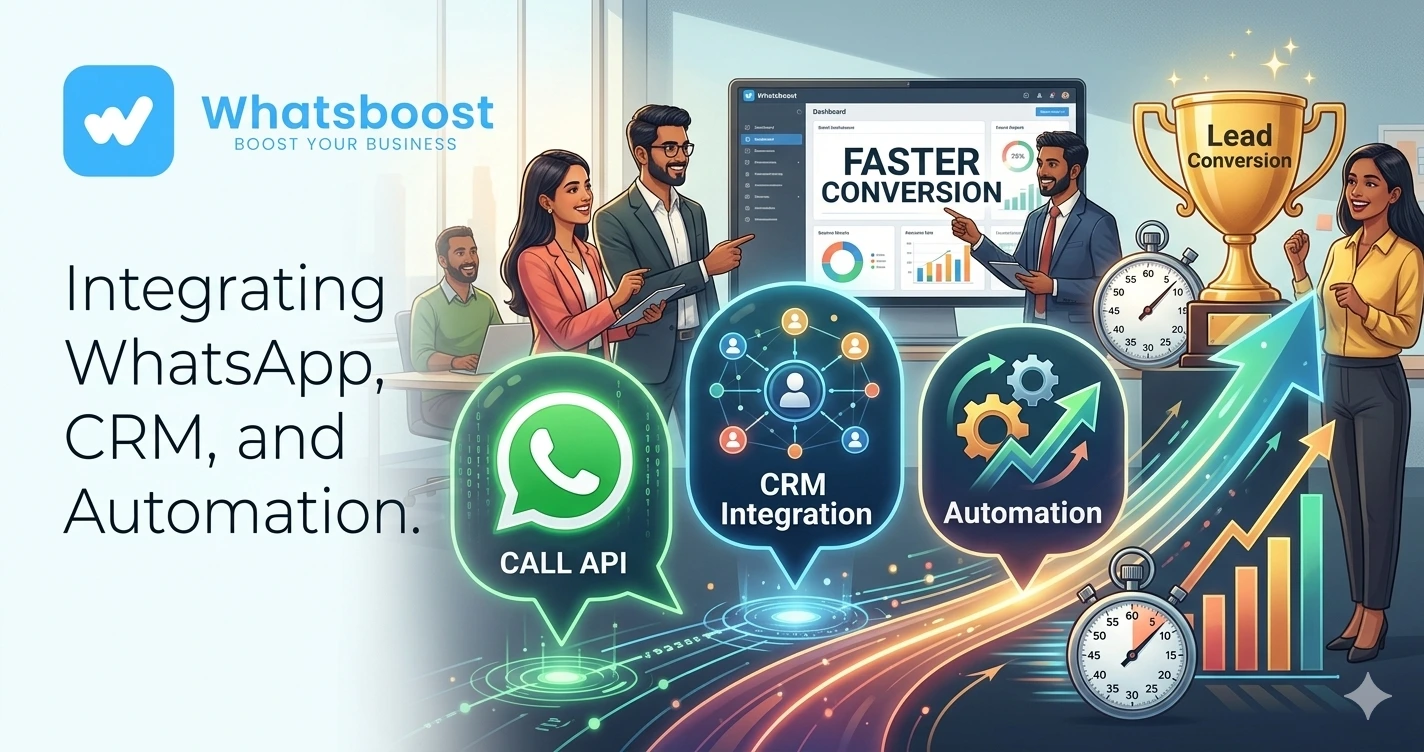
Combining WhatsApp Call API, CRM, and Automation for Faster Lead Conversion
Learn how businesses combine WhatsApp Call API, CRM systems, and automation workflows to improve lead response times, increase conversions, automate follow-ups, and create a seamless sales process.
Combining WhatsApp Call API, CRM, and Automation for Faster Lead Conversion
Most businesses don't lose leads because of poor products or services.
They lose leads because they respond too slowly.
A prospect submits an enquiry.
The sales team is busy.
The lead waits.
Hours pass.
Sometimes days.
By the time someone follows up, the prospect has already spoken to a competitor.
The result?
❌ Lost opportunities
❌ Lower conversion rates
❌ Poor customer experience
❌ Wasted advertising spend
❌ Frustrated sales teams
This is why modern businesses are combining WhatsApp Call API, CRM systems, and automation workflows to create faster and more efficient lead conversion processes.
👉 Speed is no longer a competitive advantage. It's an expectation.
Why Traditional Lead Management Fails
Most businesses still follow a process that looks like this:
Lead Form Submitted
↓
Sales Team Receives Notification
↓
Manual Follow-Up
↓
CRM Updated Later
↓
Sales Call Scheduled
↓
Follow-Up Reminder Forgotten
The problem?
Every manual step introduces delays.
As lead volume grows, these delays become more expensive.
This is one reason businesses increasingly adopt systems similar to How to Build a WhatsApp Lead Tracking System Using Claude AI and Google Sheets, where every enquiry is tracked automatically from the moment it arrives.
What Is WhatsApp Call API?
The WhatsApp Call API allows businesses to initiate and manage voice interactions within the WhatsApp ecosystem.
Instead of relying solely on text messages, businesses can:
✔ Connect prospects directly to sales teams
✔ Trigger call requests automatically
✔ Escalate high-intent leads
✔ Improve response speed
✔ Create a more personal customer experience
For businesses handling high enquiry volumes, voice communication often accelerates the buying process.
Why CRM Integration Is Essential
Generating leads is easy.
Managing them properly is the challenge.
Without CRM integration:
❌ Lead information gets scattered
❌ Follow-ups become inconsistent
❌ Sales visibility decreases
❌ Teams duplicate efforts
❌ Opportunities are missed
Businesses that connect WhatsApp conversations with CRM systems often achieve stronger sales performance. Many companies start by implementing strategies discussed in How to Integrate CRM With WhatsApp for Automation.
The result is a centralized view of every prospect interaction.
The Ideal WhatsApp Call + CRM Workflow
A modern lead conversion funnel looks like this:
Lead Generated
↓
WhatsApp Conversation Started
↓
Lead Qualification
↓
CRM Record Created
↓
WhatsApp Call Triggered
↓
Sales Discussion
↓
Follow-Up Automation
↓
Conversion Tracking
Every step is automated and measurable.
Step 1: Capture Leads Instantly
Whether leads arrive from:
- Facebook Ads
- Instagram Ads
- Google Ads
- Website Forms
- Landing Pages
- WhatsApp Campaigns
They should immediately enter a structured workflow.
Businesses running Click-to-WhatsApp campaigns often complement this process with tactics explained in How to Scale Facebook and Instagram Ads Using Click to WhatsApp Campaigns.
Fast engagement dramatically improves conversion rates.
Step 2: Qualify Leads Automatically
Not every lead requires immediate human attention.
Automation can collect:
- Budget
- Requirements
- Location
- Timeline
- Business Type
This ensures sales teams focus on high-intent prospects.
Many organizations use methods similar to How Indian Businesses Use WhatsApp Lead Qualification to Improve CRM Conversion Rates to improve efficiency.
Step 3: Trigger WhatsApp Calls for High-Intent Leads
Once a lead meets qualification criteria:
The system can:
✔ Notify the sales team
✔ Schedule a call
✔ Trigger a callback workflow
✔ Route prospects to the correct representative
This reduces delays and improves customer experience.
The faster the conversation happens, the higher the likelihood of conversion.
Step 4: Update CRM Automatically
Every interaction should update the CRM in real time.
This includes:
- Call outcomes
- Lead status
- Follow-up dates
- Sales notes
- Conversion stages
Businesses often integrate these workflows with platforms like Salesforce. Many teams begin with concepts discussed in How to Integrate Salesforce With WhatsApp: A One-Stop Guide to WhatsApp Automation.
This eliminates manual data entry.
Step 5: Automate Follow-Ups
The biggest mistake businesses make is stopping after the first conversation.
Most sales require multiple touchpoints.
Automated follow-ups can include:
- Reminder messages
- Case studies
- Testimonials
- Pricing information
- Meeting confirmations
Organizations looking to improve conversion rates often implement lessons from 20 WhatsApp Follow-Up Messages to Re-Engage Leads in 2026.
Consistent follow-up drives revenue.
Step 6: Use AI to Handle Initial Conversations
As lead volume grows, human teams struggle to keep up.
AI can assist by:
✔ Answering common questions
✔ Qualifying leads
✔ Booking appointments
✔ Routing conversations
✔ Providing instant responses
Businesses adopting conversational automation frequently explore WhatsApp AI Agent: How It Enhances Sales and Support in 2026.
This helps sales teams focus on closing deals instead of answering repetitive questions.
Step 7: Automate Internal Workflows
Lead conversion involves more than customer communication.
Internal coordination matters too.
Automation can:
- Assign leads automatically
- Create CRM tasks
- Notify managers
- Update dashboards
- Trigger sales workflows
Many businesses automate these backend processes using methods similar to Turning WhatsApp Leads Into ClickUp Tasks Automatically in 2026.
This improves operational efficiency.
Real Example Workflow
A prospect clicks a Facebook ad.
↓
WhatsApp conversation begins.
↓
AI qualifies the lead.
↓
CRM record is created.
↓
High-intent lead identified.
↓
WhatsApp Call triggered.
↓
Sales representative engages.
↓
CRM updates automatically.
↓
Follow-up sequence starts.
↓
Deal closes.
Every step happens with minimal manual effort.
Before vs After Automation
| Traditional Process | Automated Process |
| Slow response times | Instant engagement |
| Manual qualification | Automated screening |
| Delayed calls | Immediate escalation |
| CRM updated manually | Real-time updates |
| Missed follow-ups | Automated nurturing |
| Limited scalability | High-volume handling |
Benefits of Combining WhatsApp Call API, CRM, and Automation
Faster Response Times
Speed improves conversions.
Better Lead Visibility
Every interaction is tracked.
Higher Sales Productivity
Teams focus on qualified prospects.
Improved Customer Experience
Prospects receive timely communication.
Scalable Growth
Operations can handle larger lead volumes.
How WhatsBoost Helps Businesses Build This Stack
WhatsBoost helps businesses combine:
✔ WhatsApp automation
✔ CRM integrations
✔ WhatsApp Call workflows
✔ AI lead qualification
✔ Automated follow-ups
✔ Reporting dashboards
✔ Workflow automation
✔ Lead nurturing systems
The result is a complete lead conversion engine that helps businesses close more deals with less manual effort.
Final Conclusion
Most businesses don't have a lead generation problem.
They have a lead management problem.
Without automation:
❌ Leads wait too long
❌ Follow-ups get missed
❌ CRM data becomes outdated
❌ Sales opportunities are lost
By combining WhatsApp Call API, CRM systems, AI agents, and workflow automation, businesses can dramatically improve response times and conversion rates.
The companies winning today aren't necessarily generating more leads.
They're converting more of the leads they already have.
👉 The future is: WhatsApp + Calls + CRM + AI + Automation = Scalable Business Growth 🚀
Want to automate WhatsApp for your business?
Set up campaigns, replies, and follow-ups in minutes.