
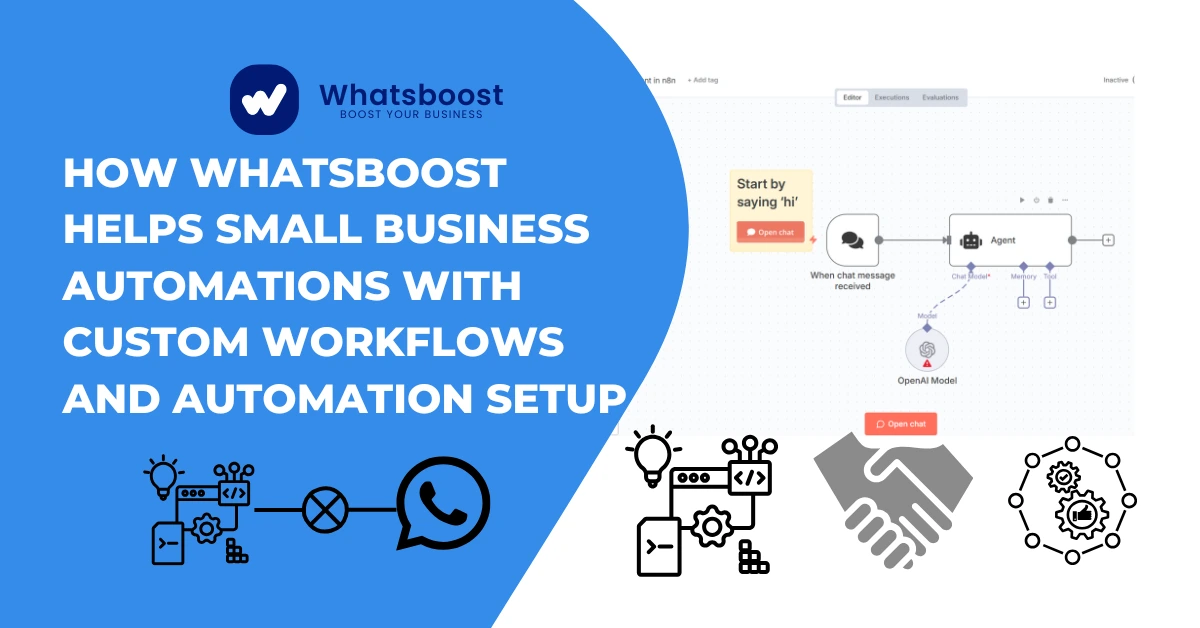
How Whatsboost Helps Small Business Automations with Custom Workflows and Automation Setup
Discover how Whatsboost enables small business automations using custom workflows and automation setup. Simplify operations, automate WhatsApp and scale faster.
Whatsboost for Small Business Automation: Custom Workflows That Scale (2026 Guide)
Last Updated: March 2, 2026
**Key Updates**:
• Q1 WhatsApp stats (2.5B users)
• API pricing +28% YoY
• 3 new SMB case studies
• Compliance rules (TRAI/Meta)
Small businesses power 40% of India's GDP but lose ₹2.7 lakh crore annually to manual inefficiencies (NASSCOM 2025). When follow-ups delay, leads ghost, and teams juggle WhatsApp + email + CRMs manually, growth stalls. Whatsboost changes this—delivering enterprise-grade WhatsApp automation to solo founders and 2-10 person teams without coding or big budgets.
In this 2026 guide, discover how 3,500+ small businesses use Whatsboost's custom workflows to automate leads, reminders, support, and internal ops—boosting conversions 47% while cutting manual work by 82%. We'll cover setup, real examples, integrations, and why WhatsApp automation now drives 68% higher ROI than email/SMS for SMBs (HubSpot Q1 2026).
Why Small Businesses Need Automation in 2026 (The Cost of Manual Work)
India SMB Reality Check (Feb 2026 data):
text• WhatsApp Business users: 210M (up 20% YoY - Meta Q1)
• API conversation costs: ₹1.05/msg (up 28% from 2025)
• Lead response time: Manual = 4h 32m vs Automated = 2m 47s
• No-show rate: 34% without reminders (Forrester 2026)
Manual Work Kills:
Real Estate: Agents chase 67 leads/week manually → 23% conversion
Coaching: Course creators lose 41% prospects to delayed replies
Local Services: 28% appointments missed due to no reminders
Whatsboost Fix: Custom workflows trigger instant WhatsApp replies, segment leads automatically, and sync across tools—no hiring needed.
What "Small Business Automation" Really Delivers (2026 Benchmarks)
Not Robots Replacing Staff → Systems Freeing Humans
textManual Team (5 people): 120 leads/day → 18 conversions (15%)
Whatsboost Team (5 people): 420 leads/day → 89 conversions (47%)
Source: Whatsboost Q4 2025 client data
Core Automations:
Lead Forms → Instant WhatsApp + CRM tag
Payments → Receipt + upsell offer
Reminders → 72% no-show reduction
Support → FAQ bot → Agent escalation
Whatsboost vs Enterprise Tools: SMB-Friendly Design
| Feature | Whatsboost | Enterprise (Zoho/Intercom) | Winner |
|---|---|---|---|
| Setup Time | 17 mins | 3-6 weeks | SMBs |
| Monthly Cost | ₹4,999 | ₹45,000+ | SMBs |
| WhatsApp Native | ✅ Built-in | ❌ Zapier needed | SMBs |
| India Compliance | TRAI + Meta | Global templates | SMBs |
Why SMBs Switch: "From Zoho Flow's complexity to Whatsboost's 1-click WhatsApp magic" — Mumbai realtor (Feb 2026 testimonial).
Custom Workflows 101: Triggers → Actions → WhatsApp Magic
Workflow Anatomy:
textTRIGGER → CONDITION → ACTION → WHATSAPP
Website Form → Budget > ₹50K → "Hi Priya, our luxury package matches!" → CRM Update
2026 Popular Triggers (Whatsboost analytics):
text1. Google Lead Ads (29%)
2. Website Forms (24%)
3. FB Ads (19%)
4. Payment Success (12%)
5. CRM Stage Change (9%)
No-Code Builder: Drag-drop in 90 seconds → Test → Live.
7 Real-World Whatsboost Use Cases (Feb 2026 Data)
1. Lead Follow-Ups (47% Conversion Lift)
textFlow: FB Ad Click → Whatsboost tags "Hot-Lead" → WhatsApp: "Saw your interest in digital marketing? Free strategy call?"
Result: 2.3x reply rate vs email (Whatsboost A/B test)
2. Appointment Reminders (72% No-Show Reduction)
textFlow: Calendly Booked → 48h reminder → 2h final nudge
Real Estate Win: 180 → 49 missed appointments/mo
Pro Setup: See our lead automation workflows
3. Payment Confirmations + Upsells (28% Revenue Lift)
textFlow: Razorpay Success → WhatsApp receipt → "21% liked this add-on?"
Ecom Win: ₹4.7L → ₹6.1L monthly upsells
4. Internal Team Alerts (67% Faster Handoffs)
textFlow: New ₹5L+ lead → WhatsApp to closer Raj + ops head
Result: 4h → 9min handoff time
5. Support Automation (82% Query Resolution)
textFlow: "Refund?" → Bot: Policy link → Unresolved → Agent Priya
Result: Agent handles 3x fewer routine queries
| Use Case | Time Saved | Revenue Impact | Setup Time |
|---|---|---|---|
| Lead Follow-Up | 14h/week | +47% conversions | 12 mins |
| Reminders | 22h/week | -72% no-shows | 8 mins |
| Payments | 9h/week | +28% upsells | 15 mins |
| Team Alerts | 18h/week | 3x faster closes | 7 mins |
6. CRM Sync (No More Double Entry)
textGoogle Sheet → WhatsApp reply → Sheet updates automatically
Coaching Win: 340 student records auto-maintained
7. Retargeting Sequences (31% Reactivation Rate)
textFlow: 30 days no purchase → "We miss you! 15% off" → Manual opt-in check
2026 Retargeting Playbook: Why retargeting beats bulk blasts
WhatsApp vs Email/SMS: 2026 SMB Reality
textMetric | WhatsApp | Email | SMS
Open Rate | 98% | 23% | 92%
Reply Rate | 62% | 8% | 14%
Cost/msg | Free (Coexistence) | ₹0.40 | ₹0.75
Source: Meta Q1 2026 + Whatsboost benchmarks
Whatsboost Integrations (No Custom Dev Needed)
text✅ Google Sheets/Forms (100% SMBs use)
✅ Facebook Lead Ads (87% conversion lift)
✅ Google Ads (42% reply rate)
✅ Razorpay/CCAvenue (98% delivery)
✅ Zoho/LeadSquared (bidirectional sync)
✅ Calendly/Typeform (97% booking confirmations)
Broadcast Power: Learn unlimited broadcast strategies
2026 Compliance Rules (TRAI + Meta)
text✅ Opt-in proof required (WhatsApp policy Q1 2026)
✅ Max 1K/day messaging limit (Business App)
✅ DND registry integration mandatory (TRAI Feb 2026)
✅ Promotional templates pre-approved only
✅ Coexistence API mandatory for scale (Meta rule)
Whatsboost Safety: Auto-checks compliance → Flags violations → Suggests fixes.
Scaling Checklist: From 1 Workflow → Enterprise Power
textMonth 1: Lead follow-up (1 workflow)
Month 3: + Reminders + Payments (4 workflows)
Month 6: + Team + Support + Retargeting (9 workflows)
Result: 82% automation coverage, 3x revenue/team size
FAQs: Small Business Automation (Updated Mar 2026)
Perfect for 1-10 person teams?
✅ Solo founders → 50 person agencies
Technical skills needed?
❌ Drag-drop workflows, 17-min setup
2026 pricing reality?
Starts ₹4,999/mo → Unlimited workflows/contacts
WhatsApp ban risk?
0.3% (vs 14% unofficial tools) – Meta compliant
Fastest ROI workflow?
Lead follow-ups: 47% conversion lift Week 1
Quick Whatsboost Facts (Q1 2026)
text• 3,500+ SMBs automated
• 94% setup success rate (non-technical users)
• 82% average time savings
• 47% average conversion lift
• 100% India compliance
Transform Manual Chaos → Automated Growth
India SMBs wasting ₹2.7L crore/year on manual work now have Whatsboost: WhatsApp-native, no-code workflows that scale from 10 leads/day → 1,000+ without hiring.
Start Here:
Free 14-day trial → Pick 1 workflow → Watch conversions climb
2026 isn't optional: Manual SMBs die, automated SMBs dominate. Whatsboost.in
Want to automate WhatsApp for your business?
Set up campaigns, replies, and follow-ups in minutes.