
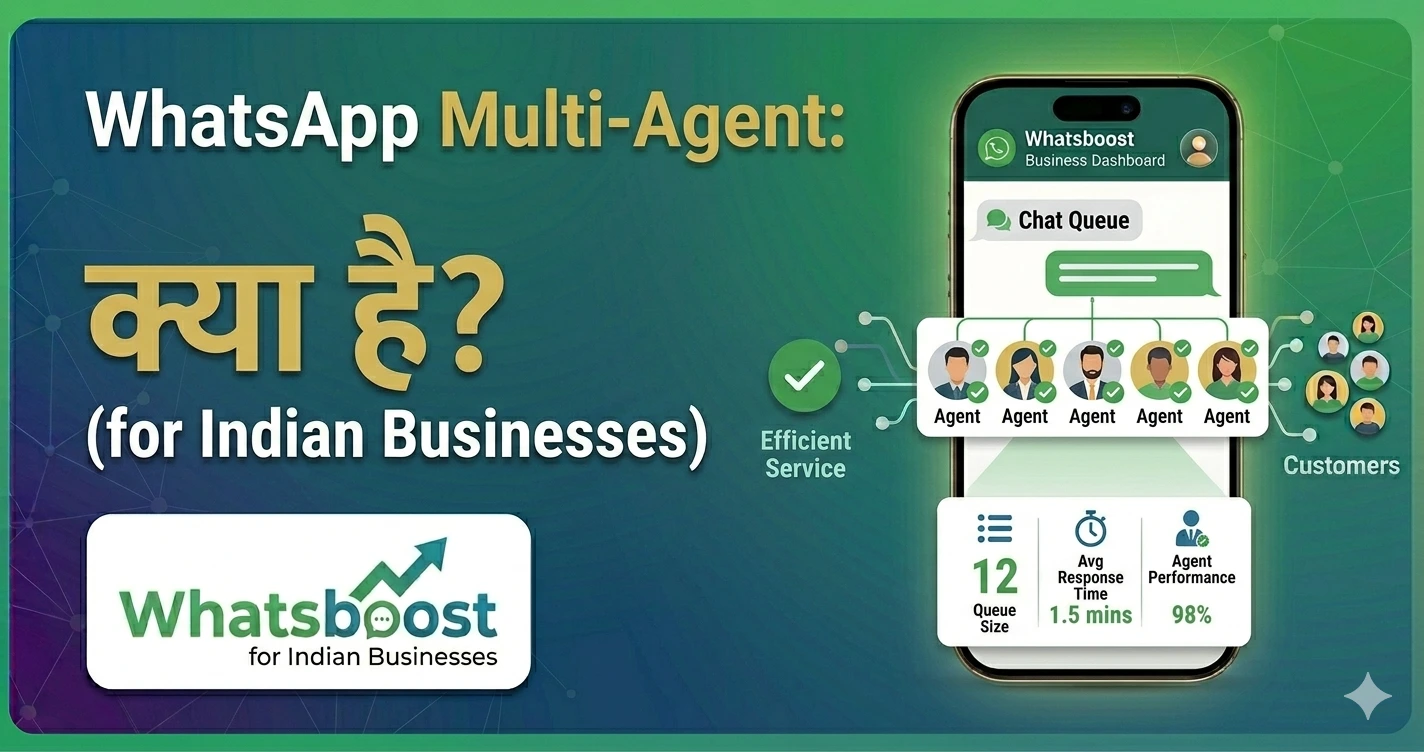
WhatsApp Multi-Agent क्या है? Businesses के लिए Complete Guide (2026)
WhatsApp multi-agent system क्या है और इसे business में कैसे use करें? इस आसान guide में जानें features, benefits, tools और automation setup।
आज के time में WhatsApp सिर्फ एक person-to-person chat tool नहीं है।
👉 Businesses अब WhatsApp को customer support, sales और operations के लिए use कर रहे हैं।
लेकिन जैसे ही business grow करता है, एक बड़ी problem आती है 👇
👉 एक WhatsApp number को multiple लोग कैसे handle करें?
👉 यहीं पर आता है — WhatsApp Multi-Agent System
🤔 WhatsApp Multi-Agent क्या होता है?
WhatsApp multi-agent system का मतलब है:
👉 एक ही WhatsApp number को multiple team members handle कर सकते हैं
📌 Example
- 1 WhatsApp number
- 5 team members
- सभी messages shared inbox में
👉 हर agent customer से बात कर सकता है
🚨 Single WhatsApp Use की Problems
अगर आप अभी भी एक ही phone से WhatsApp manage कर रहे हैं:
❌ 1. Message Miss होना
👉 Customer reply छूट जाता है
❌ 2. No Team Collaboration
👉 Team साथ में काम नहीं कर पाती
❌ 3. Slow Response
👉 Delay से customer experience खराब
❌ 4. No Tracking
👉 कौन reply कर रहा है — पता नहीं
🚀 WhatsApp Multi-Agent System के Benefits
✅ 1. Faster Response Time
✅ 2. Better Customer Experience
✅ 3. Team Collaboration
✅ 4. Scalable Communication
⚙️ WhatsApp Multi-Agent System कैसे Setup करें?
Direct WhatsApp में multi-agent feature available नहीं है।
👉 आपको external tools की जरूरत होती है
🔥 Whatsboost – Multi-Agent WhatsApp Solution
👉 Official Website: https://whatsboost.in/
Whatsboost एक complete platform है जो multi-agent system enable करता है।
⭐ Key Features
✅ Shared Team Inbox
👉 सभी messages एक dashboard में
✅ Multi-Agent Access
👉 Multiple team members एक साथ काम कर सकते हैं
✅ Chat Assignment
👉 Messages agents को assign करें
✅ Internal Notes
👉 Team collaboration आसान
✅ CRM Integration
👉 Customer data track करें
👉 Internal Resource:
WhatsApp Business Multiple Login: Complete Guide for Growing Businesses
📊 Multi-Agent System कैसे काम करता है?
🔄 Step 1: Customer Message
👉 User WhatsApp पर message भेजता है
📥 Step 2: Shared Inbox
👉 Message team dashboard में आता है
👤 Step 3: Agent Assignment
👉 Agent message pick करता है
💬 Step 4: Response
👉 Agent reply करता है
📊 Step 5: Tracking
👉 पूरी conversation track होती है
🧠 Advanced Features
🔁 Auto Assignment
👉 Messages automatically assign
⏱️ SLA Tracking
👉 Response time monitor
🤖 Automation Integration
👉 Auto replies + workflows
👉 Related पढ़ें:
👉 https://whatsboost.in/blog/how-to-automate-whatsapp-groups-automate-whatsapp-group-management
📊 Real Business Use Cases
🛍️ E-commerce
- Order queries
- Support
🏫 Education
- Student queries
- Admissions
🏢 Service Businesses
- Booking
- Follow-ups
🏥 Healthcare
- Appointment handling
👉 Related पढ़ें:
30 Creative WhatsApp Marketing Examples for Business & Sales Growth
⚠️ Best Practices
✅ Clear role assign करें
✅ Response time fast रखें
✅ Conversation track करें
✅ Automation use करें
❗ Common Mistakes
❌ No ownership
❌ Duplicate replies
❌ Poor coordination
🧠 सही Strategy क्या होनी चाहिए?
अगर आपकी team WhatsApp use कर रही है:
👉 Single-user system छोड़ें
👉 Multi-agent setup अपनाएं
👉 Automation integrate करें
🏁 Final Conclusion
WhatsApp multi-agent system:
👉 Growing businesses के लिए जरूरी है
अगर आप इसे implement करते हैं:
- Customer experience improve होगा
- Response time fast होगा
- Team efficiency बढ़ेगी
🚀 Final CTA
अगर आप WhatsApp को team collaboration tool बनाना चाहते हैं:
👉 Multi-agent system अपनाएं
👉 Automation integrate करें
👉 business scale करें
👉 Start करें: https://whatsboost.in/
Want to automate WhatsApp for your business?
Set up campaigns, replies, and follow-ups in minutes.